 ZH
 FR
 BE
 DE
 RU
 UK
 KK
 EN
 ES
The vehicle can be fitted with one of two types of switches mounted on the steering column:
- The A-110-A switch, used on the UAZ-469, intended only for activating the turn signals.
- The combined steering column switches 682.3709, similar to those used on the VAZ-2108 (controlling turn signals, headlights, windscreen wiper, and washer).
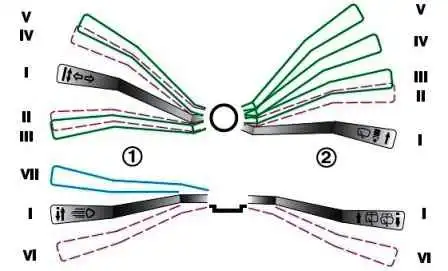
1 — left switch lever:
I — turn signals off; dipped headlights on (if the exterior lighting switch is on).
II — left turn signals on (unlatched position).
III — left turn signals on (latched position).
IV — right turn signals on (unlatched position).
V — right turn signals on (latched position).
VI — (towards yourself) main beam headlights on regardless of the exterior lighting switch position (unlatched position).
VII — (away from yourself) main beam headlights on (if the exterior lighting switch is on, latched position).
2 — right switch lever:
I — windscreen wiper off.
II — intermittent wiper mode on (unlatched position).
III — intermittent wiper mode on (latched position).
IV — first wiper speed on.
V — second wiper speed on.
VI — (towards yourself, regardless of lever position) washer and wiper on (unlatched position).
The right switch is intended for controlling the windscreen wiper and washer, while the left switch controls the turn signals and headlights.
Removing the steering column switches
Remove the steering wheel as described in the article "How to remove the steering wheel of the UAZ-3151, -31512, -31514, -31519".
Remove the lower and upper covers of the steering column.
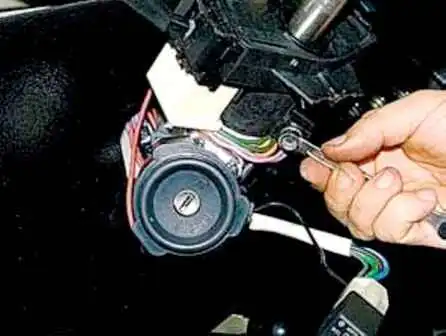
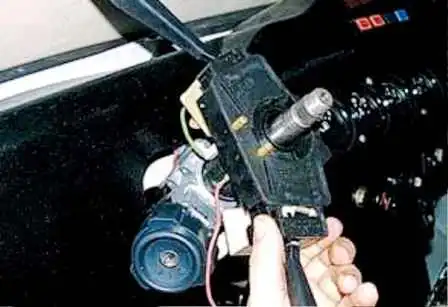
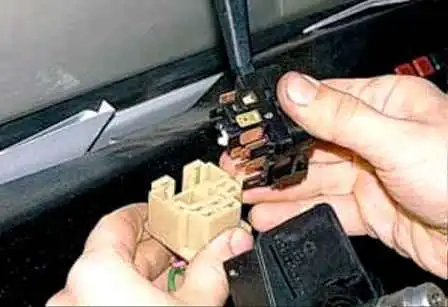
Squeeze the clips of the left switch and pull it out of the connector. Disconnect the wiring harness from the switch.
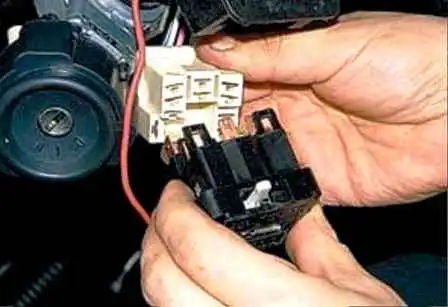
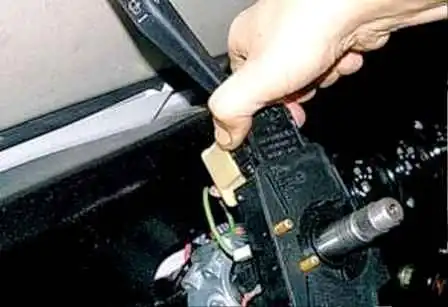
In the same way, remove the right switch and disconnect its wiring harness.
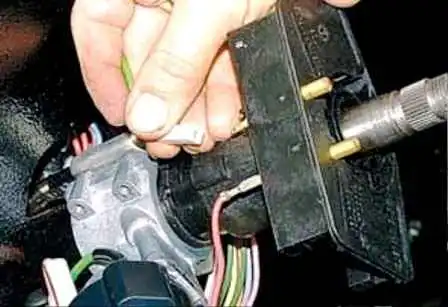
Remove the wire terminals from the two terminals of the switch connector, and then remove the connector itself from the steering column.
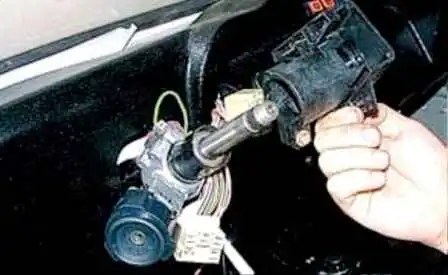
Install the switches in reverse order, ensuring that all connectors are securely fastened.